Client Welcome Guide Template (Canva) for Agency Owners & Social Media Managers
$19.99
Full description
The first thing your client sees after paying you sets the tone for everything that follows.
Most agency owners and social media managers send a long email, or nothing at all, and then spend the next two weeks answering “Where do I find…?” and “What do I do next?” Meanwhile, the client is quietly wondering if they made the right choice.
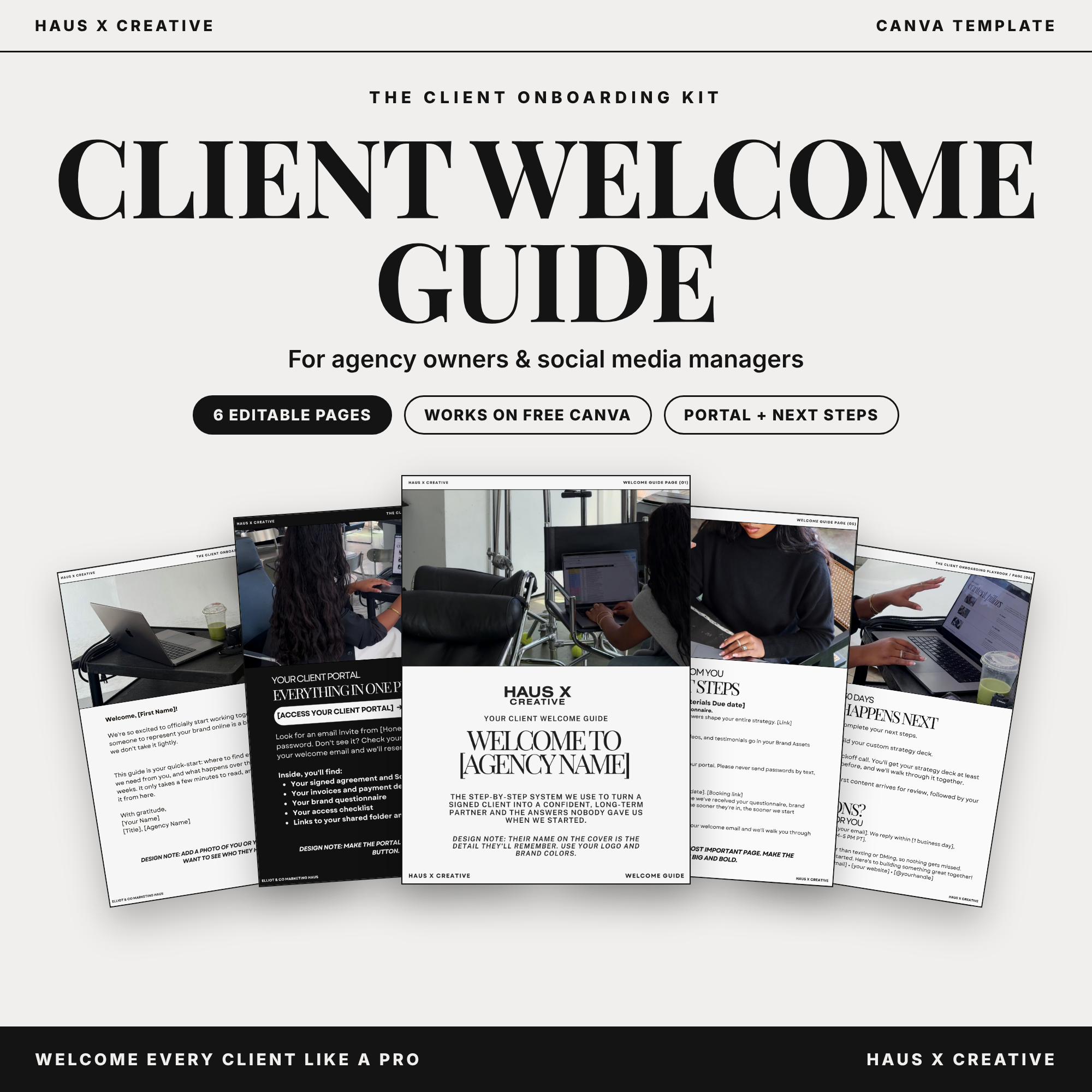
This Canva template is based on the welcome guide we use at our own agency, Elliot & Co Marketing Haus. It’s short on purpose. In six pages, it welcomes your client, points them to their client portal, and tells them exactly what you need from them and when. Clients know where to go, what to do, and when you need it, so your onboarding stays on schedule.
What’s inside
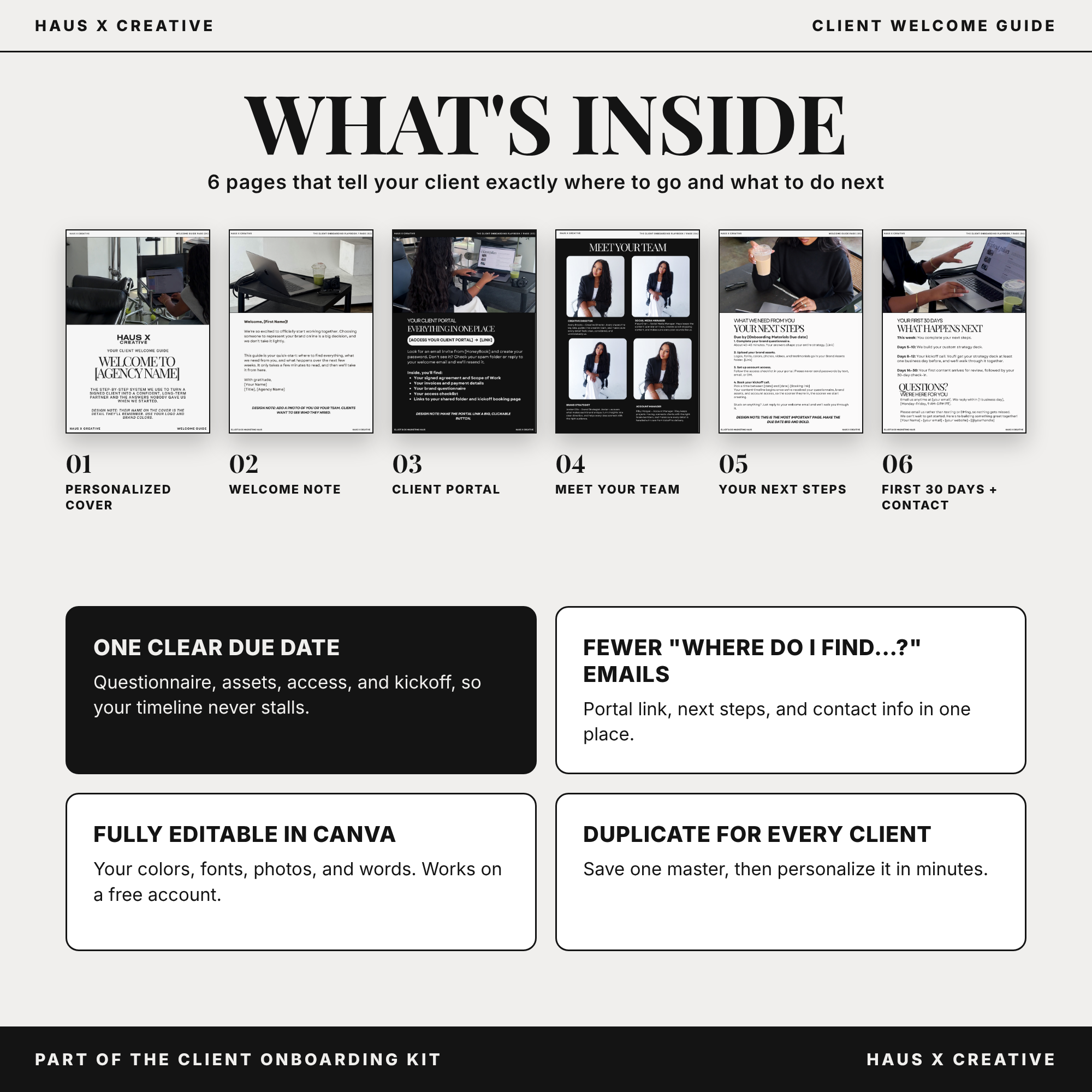
A 6-page Canva template, fully editable on a free or paid Canva account.
Cover: personalized with your client’s name.
Welcome note: a warm founder letter that makes clients feel confident they chose right.
Client portal page: a big, clickable link with login instructions and a list of what’s inside.
Next steps page: questionnaire, brand assets, account access, and kickoff booking, all with one clear due date.
First 30 days: a simple timeline from welcome to first content delivery.
Contact page: how to reach you and how quickly you’ll respond.
Step-by-step setup instructions, from opening the template to duplicating it for every new client.
Why it works
It sets a due date. Clients see one date for everything you need, so your timeline doesn’t stall waiting on logins and logos.
It cuts down the back-and-forth. Portal, next steps, and contact info are in one place, so you answer each question once instead of in every client’s inbox.
It doesn’t overload clients. No repeating your contract or strategy. Just what they need to get started.
It makes you look established. A branded guide within 24 hours of payment tells clients they hired a real business.
Who it’s for
Social media managers who want to look polished from their very first client
Agency owners who want every client to get the same welcome, no matter who on the team sends it
Anyone tired of answering the same onboarding questions by email
How it works
Open the template link and click “Use template for new design.”
Add your brand colors, fonts, logo, and photos.
Fill in your portal link, due date, booking link, and contact details.
Save it as your master copy.
For each new client, duplicate the master, add their name and dates, and send it as a PDF within 24 hours of payment.
Already have a client portal with a welcome page? Use the copy there instead.
Frequently asked questions
Do I need Canva Pro?
No. The template works on a free Canva account.
Can I change the design?
Yes. Every color, font, photo, and word is editable, so it can match your brand.
Does it work with HoneyBook or other client portals?
Yes. Add your portal link on page 3, then send the guide as a PDF or upload it to your portal. If your portal has a welcome page, you can paste the copy right in.
Can I use it for every client?
Yes. It’s licensed for use in your own business, so you can duplicate it for as many of your own clients as you like.
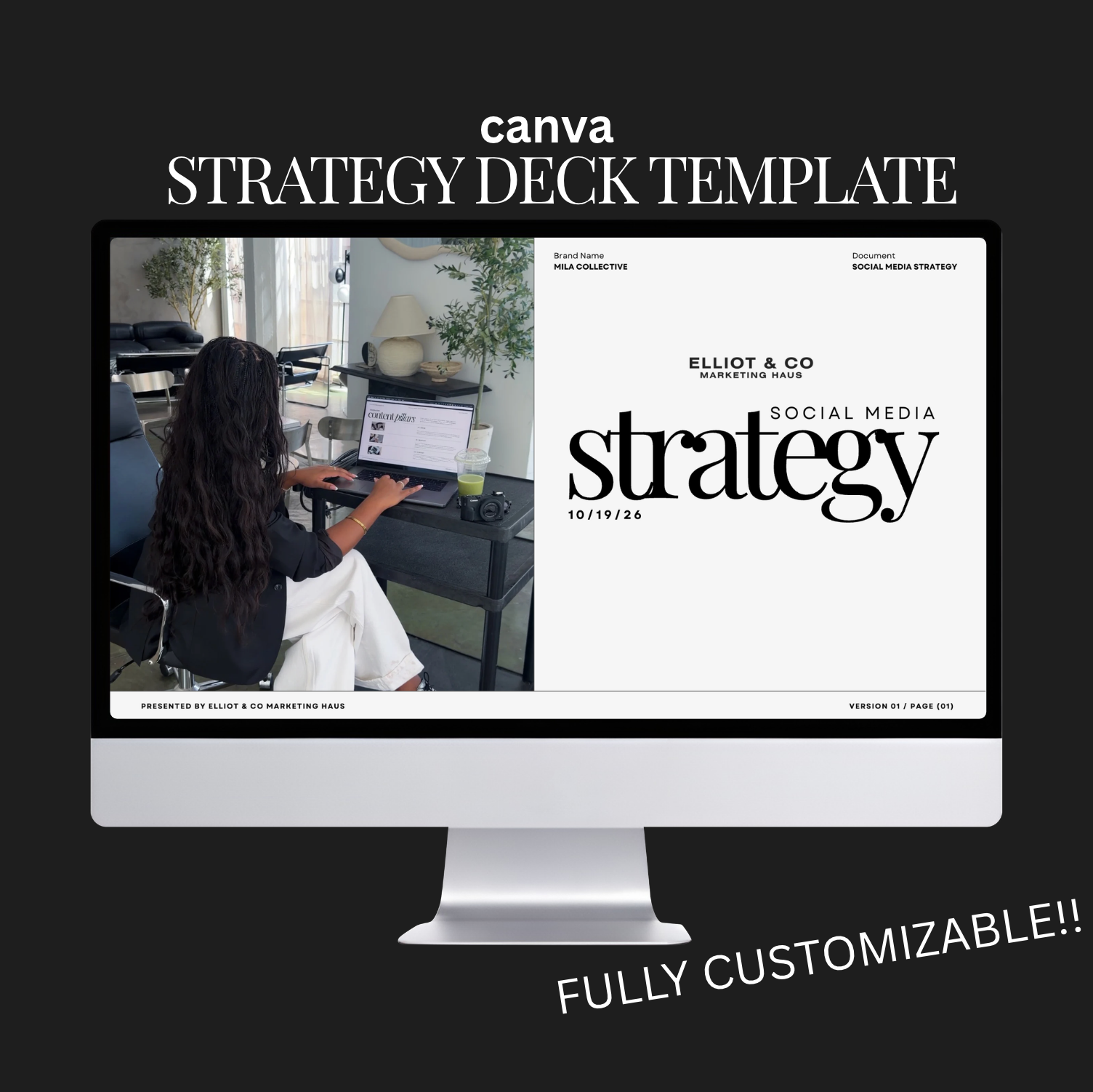
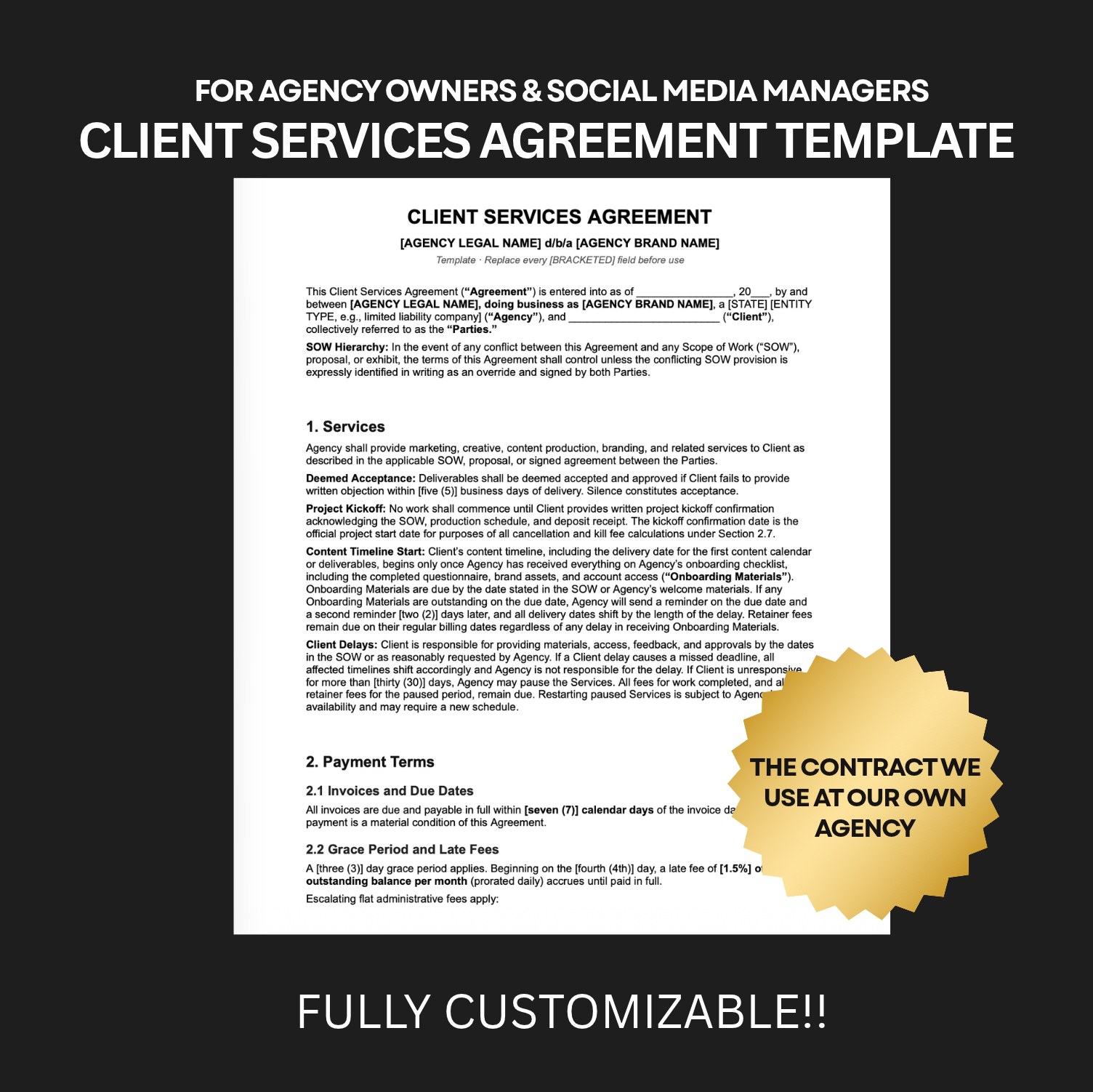
Get the complete system: This template is part of The Client Onboarding Kit, together with The Client Onboarding Playbook, the Strategy Deck Template, the Brand Intake Questionnaire, and the Client Onboarding Checklist.
Terms of use
Licensed for use by the original purchaser in their own business only. You may not resell, share, distribute, or republish this template or any part of it. Unauthorized sharing or resale violates our terms of use and intellectual property rights and may result in legal action. All sales of digital products are final.
Full description
The first thing your client sees after paying you sets the tone for everything that follows.
Most agency owners and social media managers send a long email, or nothing at all, and then spend the next two weeks answering “Where do I find…?” and “What do I do next?” Meanwhile, the client is quietly wondering if they made the right choice.
This Canva template is based on the welcome guide we use at our own agency, Elliot & Co Marketing Haus. It’s short on purpose. In six pages, it welcomes your client, points them to their client portal, and tells them exactly what you need from them and when. Clients know where to go, what to do, and when you need it, so your onboarding stays on schedule.
What’s inside
A 6-page Canva template, fully editable on a free or paid Canva account.
Cover: personalized with your client’s name.
Welcome note: a warm founder letter that makes clients feel confident they chose right.
Client portal page: a big, clickable link with login instructions and a list of what’s inside.
Next steps page: questionnaire, brand assets, account access, and kickoff booking, all with one clear due date.
First 30 days: a simple timeline from welcome to first content delivery.
Contact page: how to reach you and how quickly you’ll respond.
Step-by-step setup instructions, from opening the template to duplicating it for every new client.
Why it works
It sets a due date. Clients see one date for everything you need, so your timeline doesn’t stall waiting on logins and logos.
It cuts down the back-and-forth. Portal, next steps, and contact info are in one place, so you answer each question once instead of in every client’s inbox.
It doesn’t overload clients. No repeating your contract or strategy. Just what they need to get started.
It makes you look established. A branded guide within 24 hours of payment tells clients they hired a real business.
Who it’s for
Social media managers who want to look polished from their very first client
Agency owners who want every client to get the same welcome, no matter who on the team sends it
Anyone tired of answering the same onboarding questions by email
How it works
Open the template link and click “Use template for new design.”
Add your brand colors, fonts, logo, and photos.
Fill in your portal link, due date, booking link, and contact details.
Save it as your master copy.
For each new client, duplicate the master, add their name and dates, and send it as a PDF within 24 hours of payment.
Already have a client portal with a welcome page? Use the copy there instead.
Frequently asked questions
Do I need Canva Pro?
No. The template works on a free Canva account.
Can I change the design?
Yes. Every color, font, photo, and word is editable, so it can match your brand.
Does it work with HoneyBook or other client portals?
Yes. Add your portal link on page 3, then send the guide as a PDF or upload it to your portal. If your portal has a welcome page, you can paste the copy right in.
Can I use it for every client?
Yes. It’s licensed for use in your own business, so you can duplicate it for as many of your own clients as you like.
Get the complete system: This template is part of The Client Onboarding Kit, together with The Client Onboarding Playbook, the Strategy Deck Template, the Brand Intake Questionnaire, and the Client Onboarding Checklist.
Terms of use
Licensed for use by the original purchaser in their own business only. You may not resell, share, distribute, or republish this template or any part of it. Unauthorized sharing or resale violates our terms of use and intellectual property rights and may result in legal action. All sales of digital products are final.